Unleash your creativity and capture every moment in crystal clear quality. Show your ideas. Shape your vision. Natural Studio makes it real.
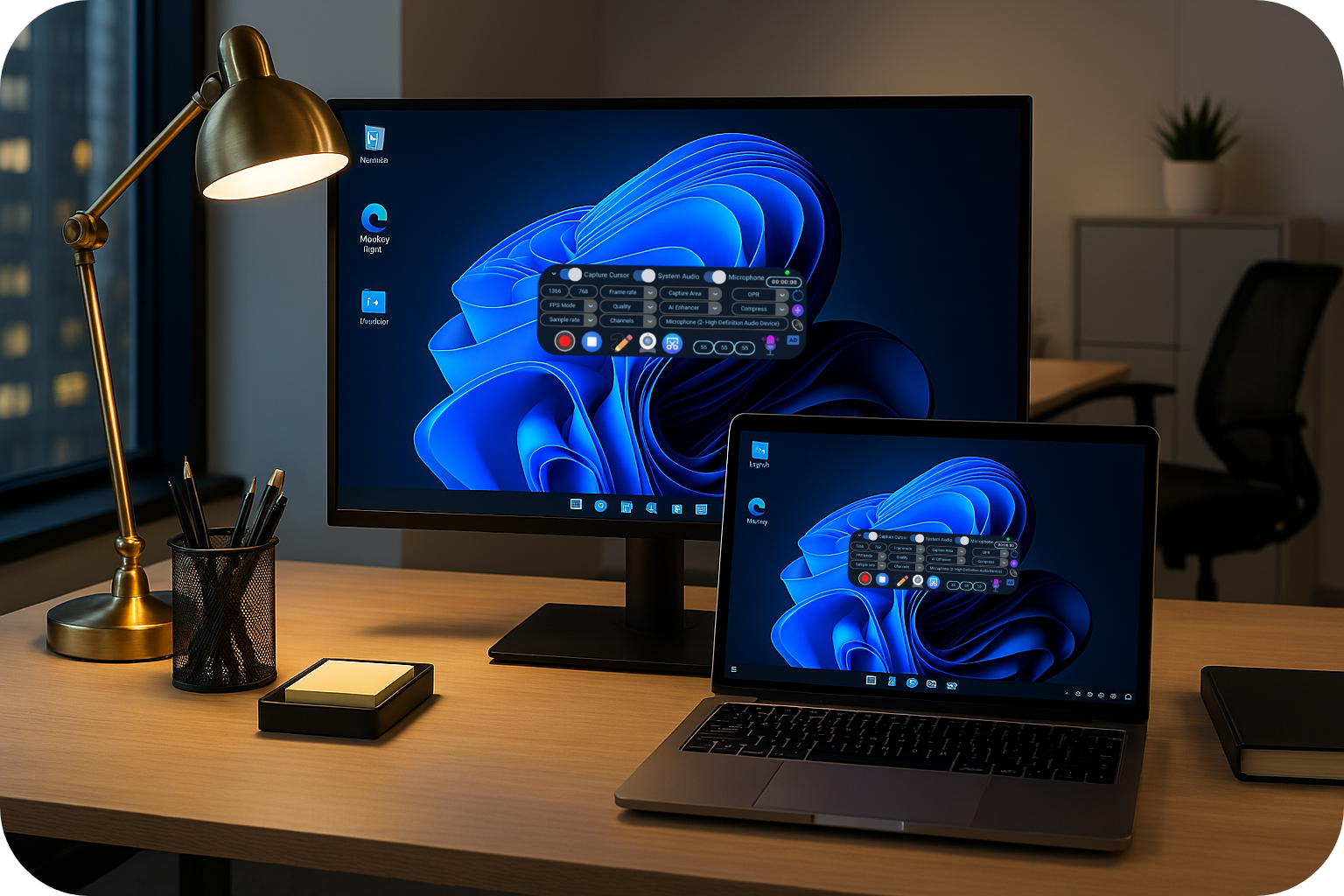
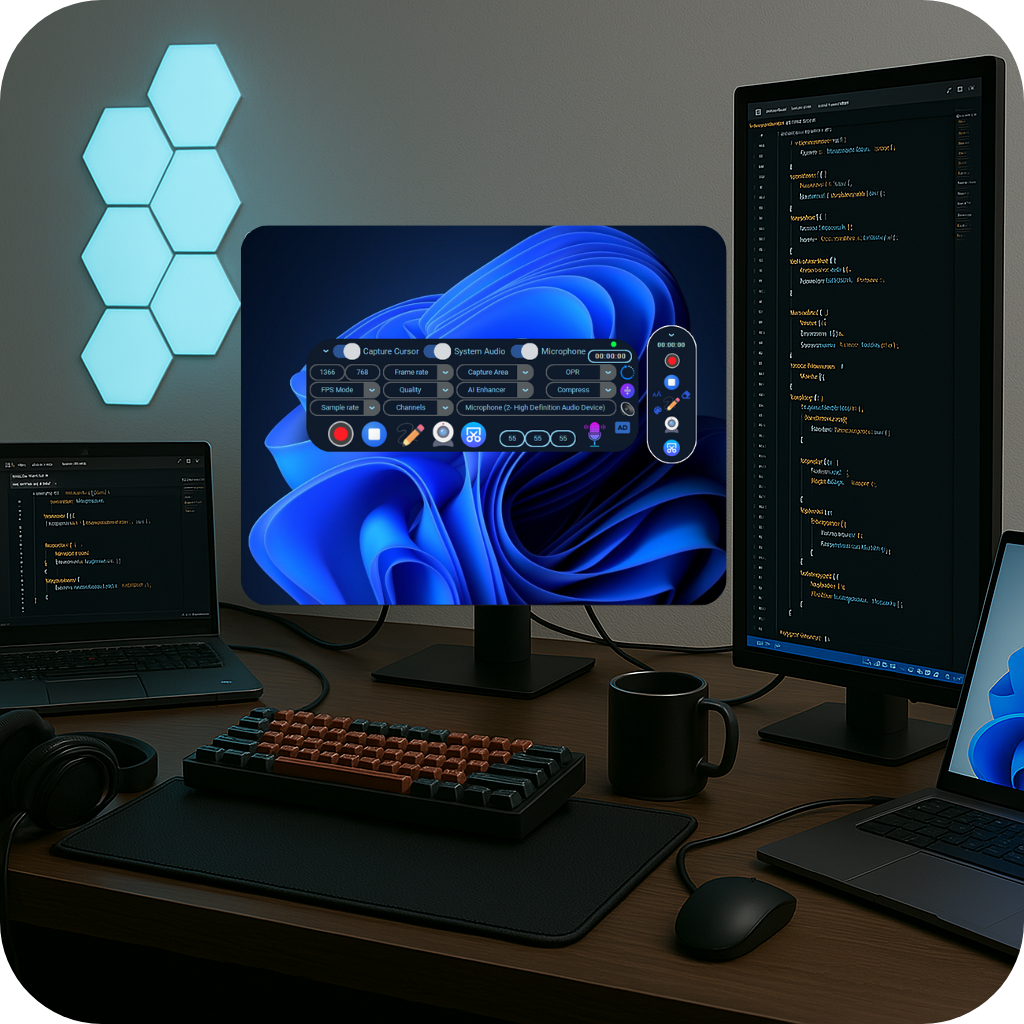
Natural Studio is an AI-powered multimedia platform that helps educators, institutions, creators, professionals, and students easily record, create, and share high quality tutorials, presentations, courses, video lessons, quick video messages, and digital learning experiences with greater simplicity and intelligence.
Create better. Teach smarter. Learn easier.
Why Creators Choose Natural Studio
AI removes your background, auto frames you perfectly, and harmonizes lighting so you feel naturally in any scene. No green screen required.
Record with sharp, professional visuals, even in ultra high resolutions, ready to share the moment you stop.
AI removes background noise and enhances audio as you speak. No cleanup required.
Upload to Google Drive and get a ready to share link instantly, no waiting, no extra steps.
Automatically protects your recordings by saving them continuously in recoverable segments, ensuring recordings survive crashes, app failures, or sudden power loss. When you stop, your entire session is delivered as a single recording, safe and complete.
Repair audio/video delays in seconds. Just slide, preview, and save, no track splitting, no complex timelines, no full re-renders.
Never lose a moment. Each pause and resume creates its own clip with automatic backup, protecting your work even during power loss or system interruption. When you stop, your entire session is delivered as a single recording, safe and complete.
Pause, select a new screen area, and resume without restarting, to keep attention on the details that matter.
Upscale or downscale after recording, intelligently replacing black borders with extended frames for a seamless, polished look.
Our dedicated support team is available around the clock to assist you.
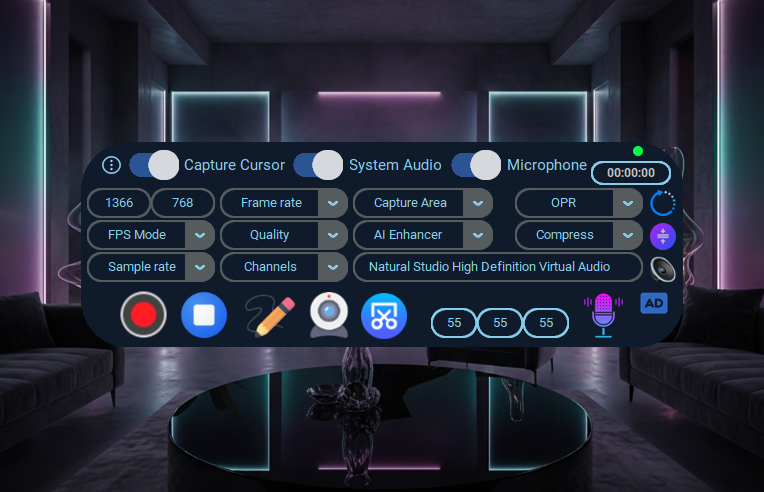
Explore Natural Studio's beautiful and intuitive interface
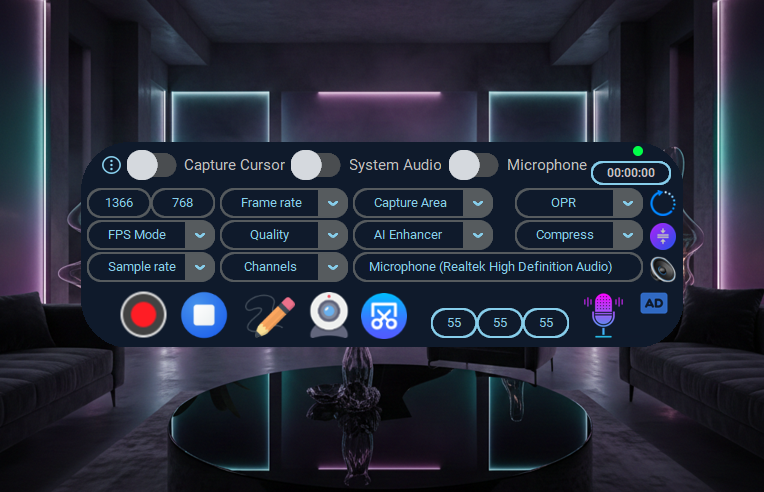
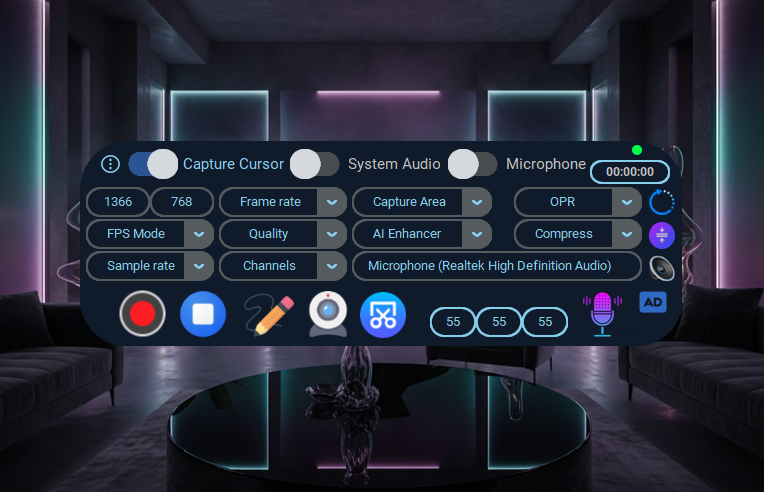
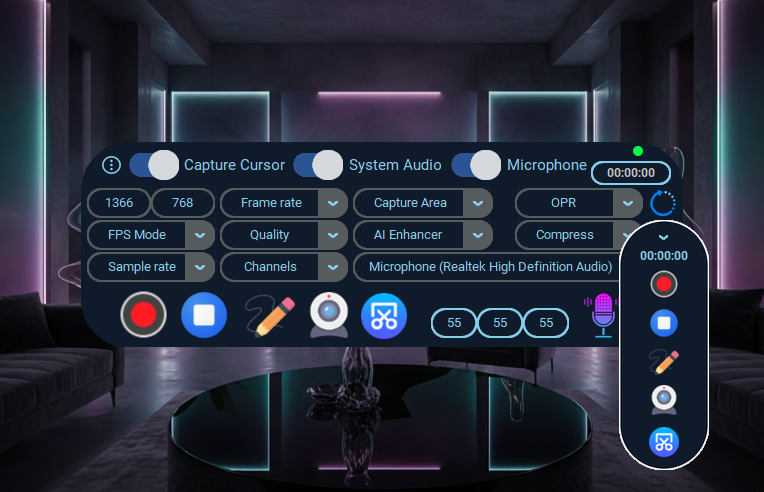
Choose the plan that works best for your business
| Features | Free | Lite | Pro | Enterprise |
|---|---|---|---|---|
| Screen Recording | ||||
| Recording limit | 5 minutes | 30 minutes | Unlimited | Unlimited |
| Recording quality | Up to 4K recording quality | Up to 4K recording quality | Up to 4K recording quality | Up to 4K recording quality |
| No watermark | ||||
| Capture screen region | ||||
| Screen + Audio | ||||
| Screen + Cam + Audio | ||||
| Audio only recording | ||||
| Microphone + System Audio | ||||
| Basic screenshots | ||||
| Screenshots + | ||||
| Annotation | ||||
| Frame rate | Up to 50+ fps | Up to 50+ fps | Up to 50+ fps | Up to 50+ fps |
| Quality and file size control | Up to Max (100%) | Up to Max (100%) | Up to Max (100%) | Up to Max (100%) |
| Auto stop recording | ||||
| AI Audio Enhancement | ||||
| Real time AI Enhancer | Up to 5 minutes | Up to 30 minutes | Unlimited | Unlimited |
| AI Webcam | ||||
| AI Blur Background | Watermarked | Watermarked | ||
| AI Image Background | Watermarked | Watermarked | ||
| AI Screen Background | Watermarked | Watermarked | ||
| AI Video Background | Watermarked | Watermarked | ||
| AI Auto Framing | Watermarked | Watermarked | ||
| Adaptive AI Lighting Harmonizer | Watermarked | Watermarked | ||
| Smart Features | ||||
| Crash Proof Recording | ||||
| Cloud Share | ||||
| Smart scaling | ||||
| One slider sync fix | ||||
| Pause Point Protection | ||||
| On demand focus | ||||
| Built-in video editing | ||||
| Trim | ||||
| Join | ||||
| Mute | ||||
| Loop | ||||
| Compress video size | ||||
| Extract audio | ||||
| Add audio | ||||
| Support | ||||
| Self serve support | ||||
| Priority support |
Why creators choose Natural Studio to bring ideas to life
"Best app ever"
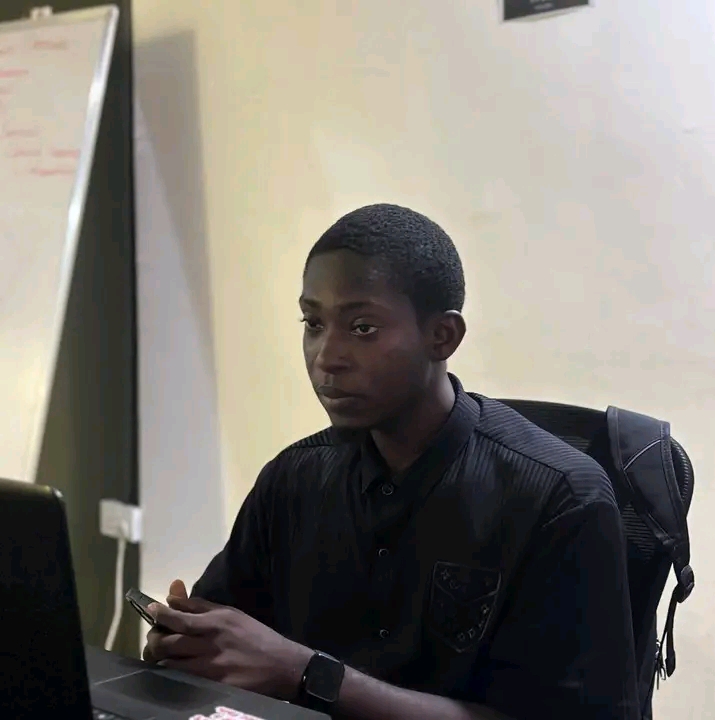
Software Engineer, Career Mentor
"The app is very easy to use. I think this is one of the best PC video recorder I've ever used so far."
Natural Studio User
"The audio is very clear and audible when I created a video tutorial with the AI Enhancer Activated."
Natural Studio User
"I had a good experience with Natural Studio, I used it to record a tutorial on YouTube and it works perfectly fine."
Natural Studio User
"I must confess, one good thing about this App is its output quality. Very great. Just record with a good microphone and see."
Natural Studio User
"I love the screen recording features most especially the upscale and downscale features."
Natural Studio User
Find answers to common questions about Natural Studio
Operating System: Microsoft Windows 11 (64-bit).
Processor: Intel Core 12th Gen or newer / AMD Ryzen 5000 series or newer
Memory: 16GB RAM or more.
Local Storage: SSD with 8GB or more available disk space.
Microphone: Internal, external, or wireless microphone for voice recording.
Internet: Internet access is required to start Natural Studio. Turn off internet once Natural Studio has started if you wish.
More Requirements: Microsoft Visual C++ 2010/2022 Redistributable (64-bit) This is already included during Natural Studio installation.
These specs ensure smooth recording, realtime AI processing, and high quality video rendering.
You're encouraged to install the latest versions of your display, microphone, and audio drivers for the best recording performance.
Operating System: Microsoft Windows 10 (64-bit) 20H2 version or later.
Processor: Intel 8th Gen or newer / AMD Ryzen 2000 series or newer
Memory: 8GB RAM or more.
Local Storage: SSD with 8GB or more available disk space.
Microphone: Internal, external, or wireless microphone for voice recording.
Internet: Internet access is required to start Natural Studio. Turn off internet once Natural Studio has started if you wish.
More Requirements: Microsoft Visual C++ 2010/2022 Redistributable (64-bit) This is already included during Natural Studio installation.
Explore our video tutorials and discover how to use every feature with confidence.
Watch on YouTubeCredit/Debit cards (Visa, MasterCard, Verve).
Natural Studio periodically requires users to download and install the latest version to ensure security, stability, and performance improvements.
We'd love to hear from you
info@naturalstudio.pro
+234 901 768 4519